Parallel delegation
Four roles; only leads can hand out work. Tasks start together, can be chained, and a failed step stops the chain instead of running on missing input.
For Claude Code · open source · MIT
Two claude sessions in two terminals can't see each other, can't hand each other work, and you can't tell what they spent. Claudiva puts them on one screen: a lead splits the job, agents work in parallel in your project, and you see who did what, which files they touched and what it cost.
npx claudiva
Needs Node.js 20+ and Claude Code signed in. Uses your subscription, no API key.
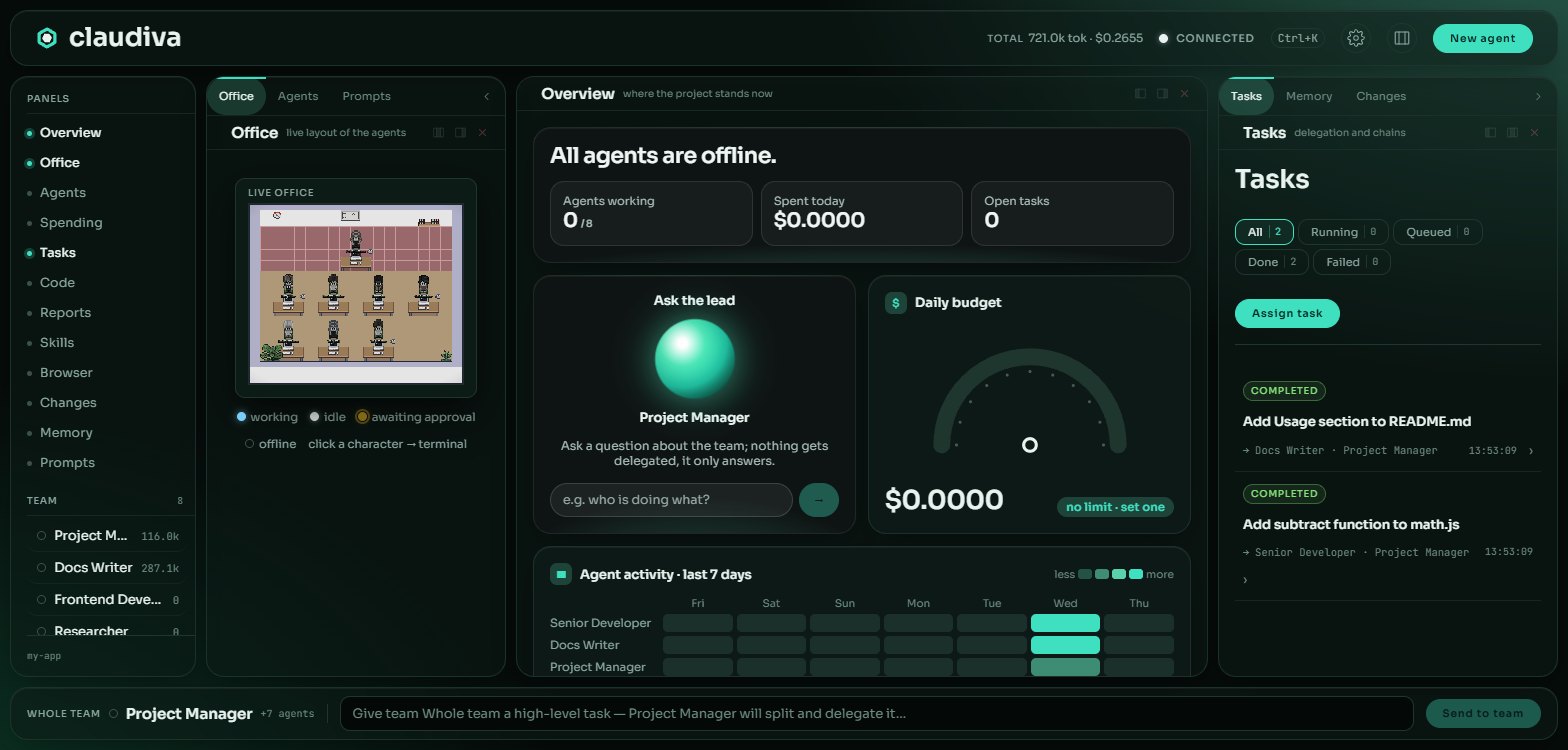
Write what you want once. The first run sets up an eight-agent team; add your own any time.
Independent parts go out at the same time, so the job takes as long as its longest part, not the sum.
Approve tool use from a band in the panel, or let trusted agents auto-approve. Ask for the plan first if you want to see it.
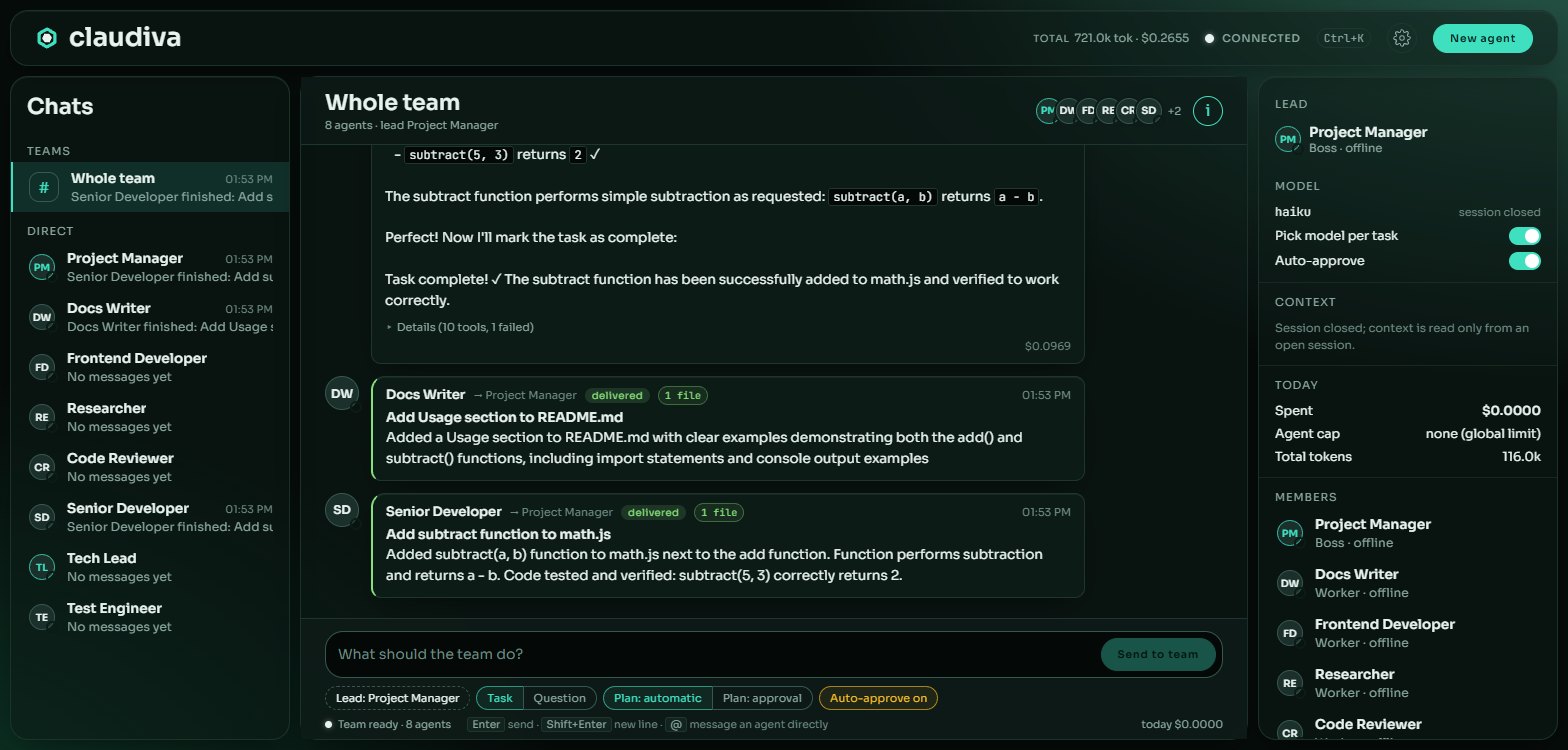
Every delivery shows the files the agent really wrote, measured rather than claimed, and what the work cost.
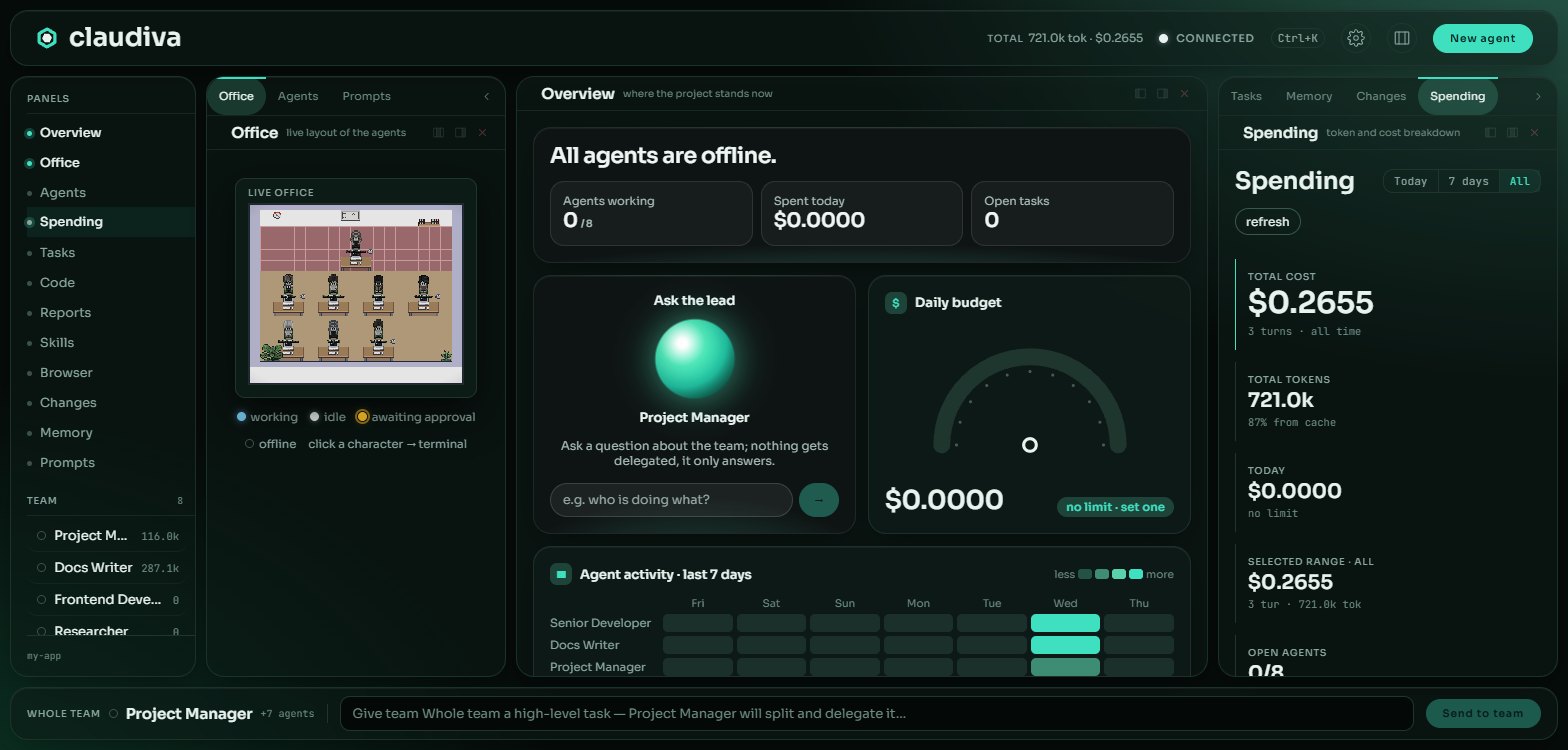
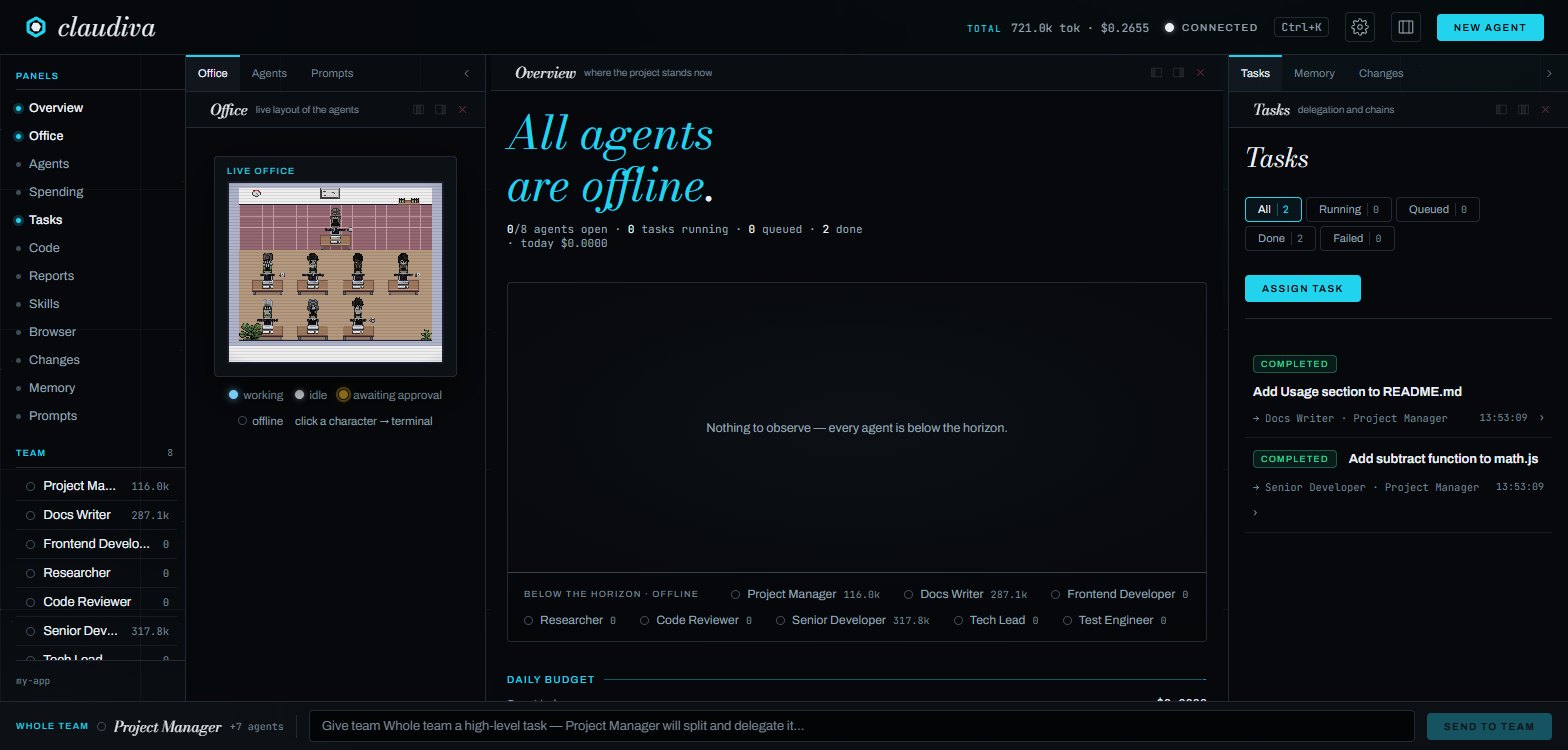
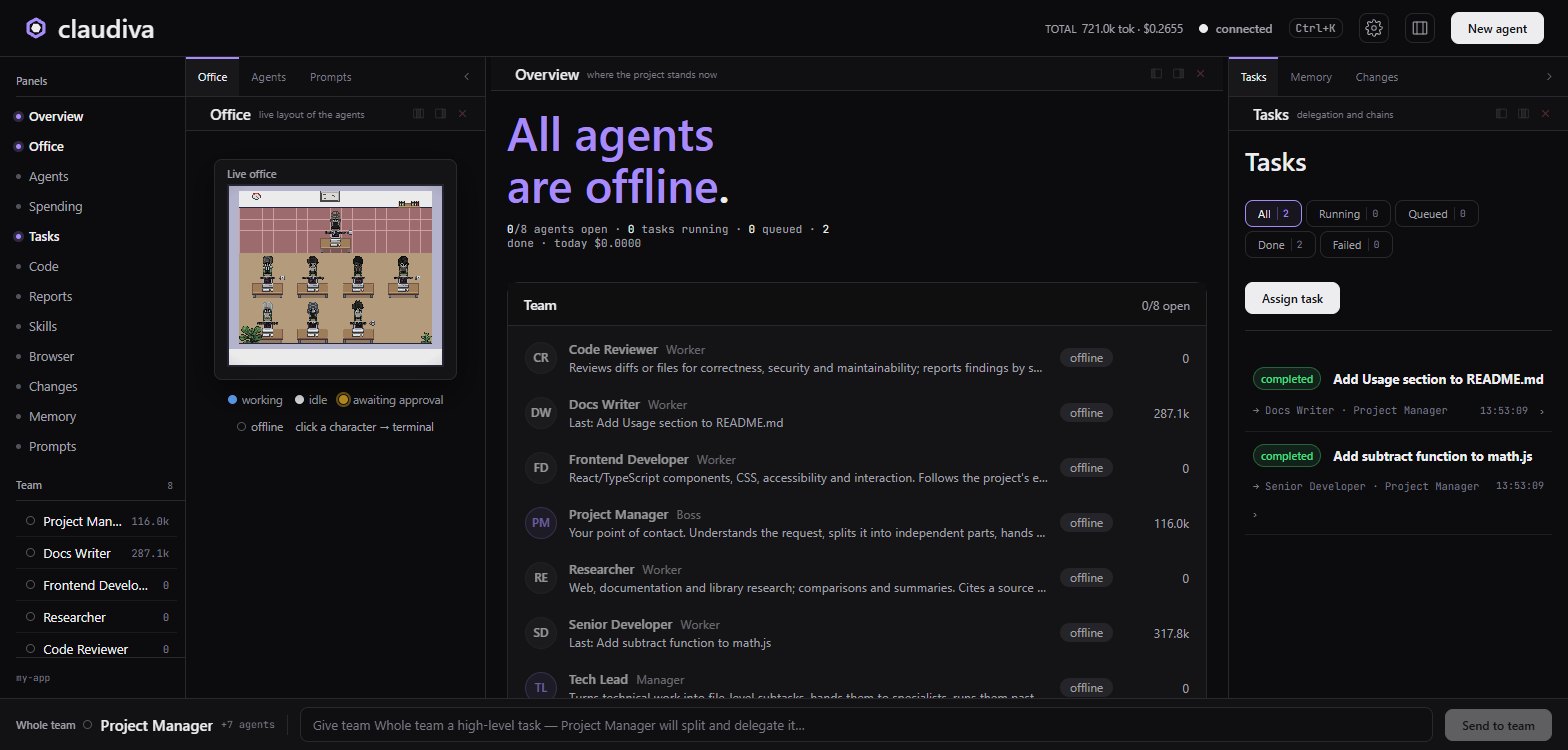
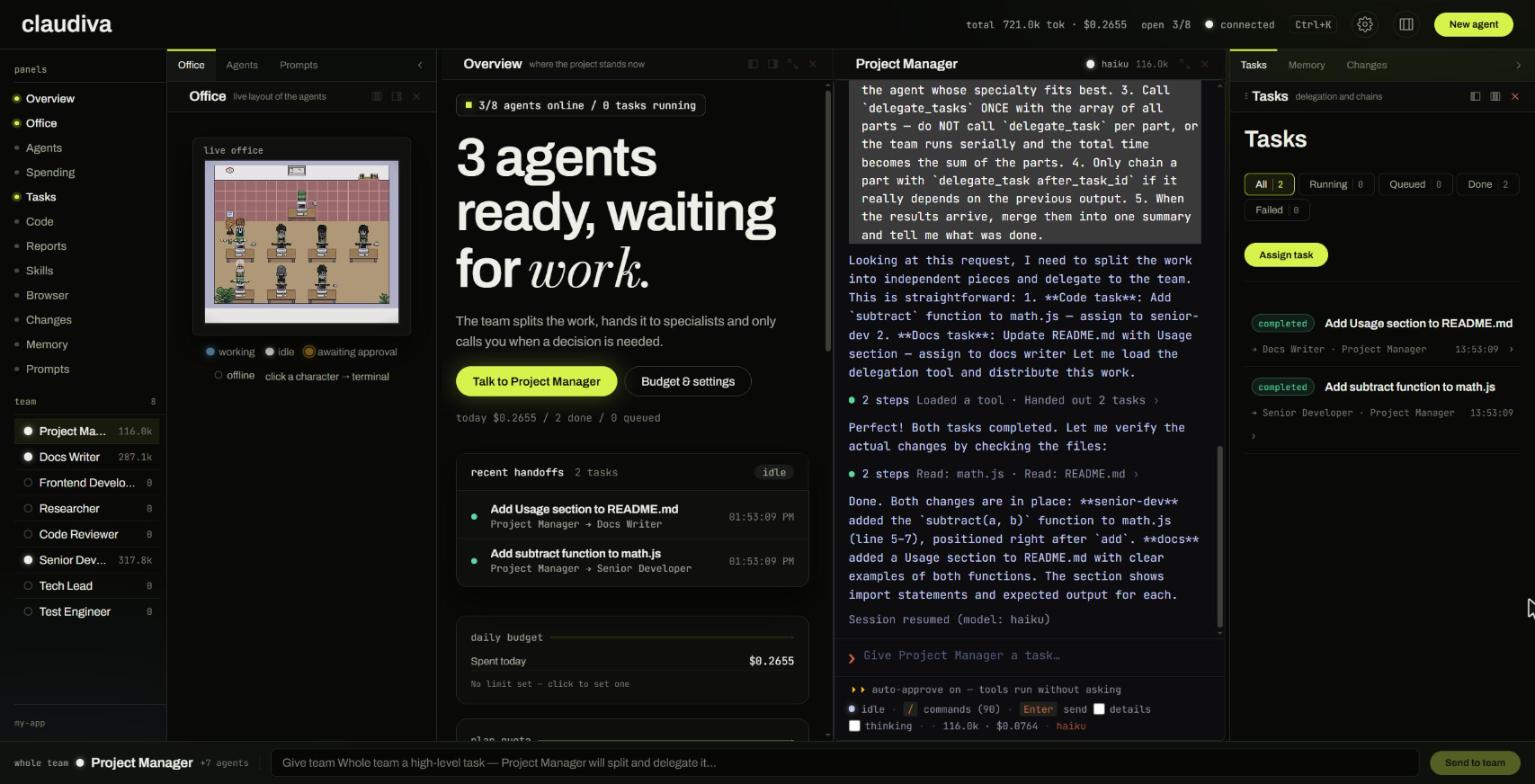
Same team, same data, three views. Switch any time with Ctrl+K.
Terminals, task board, code and spending side by side. Drag panels between three slots; every open agent gets its own terminal tile.
The team as a group chat. Agents hand work to each other, you step in with @agent, and each delivery card shows how many files were really written.
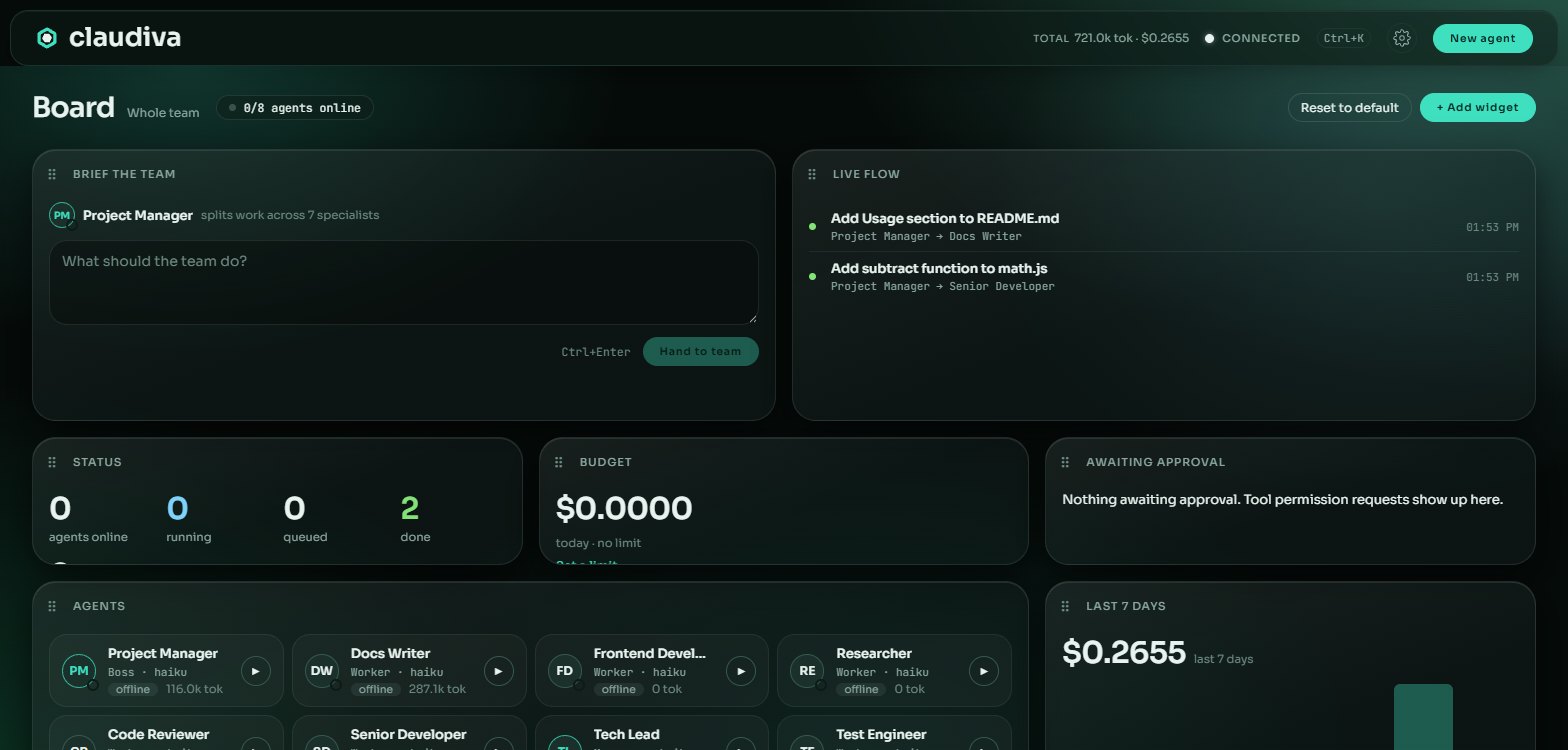
A board of widgets you arrange yourself: brief the team, watch the delegation network, the budget dial and a heatmap of who worked when.
Four roles; only leads can hand out work. Tasks start together, can be chained, and a failed step stops the chain instead of running on missing input.
Reports put what an agent said next to the files it actually touched, including the work of the agents it delegated to.
Tokens and cost per agent, per model and over time. Set a daily limit and agents stop when it is reached.
Turn skills on and off, install from catalogs, skills.sh or a GitHub link, and start agents or MCP servers from ready-made templates.
Agents drive a real Chromium and you watch the same page. Every browser action goes through the permission gate.
Runs on your machine, in your project folder, on your Claude subscription. Agent data stays in the project's .claudiva folder.
Not just colours: each style has its own type, shapes and overview screen. Turkish and English interface.
You need Node.js 20+ and Claude Code, signed in with claude login.
Run it in your project folder. The panel opens in your browser.
npx claudivaInstall once, then type claudiva in any project.
npm install -g claudivaWindows installer, no admin rights. Pick a project folder and the panel opens in its own window. Not code-signed yet, so SmartScreen may ask: More info → Run anyway.
Download from Releases